






News Center / Install MovieBoxPro by Impactor
Install MovieBoxPro by Impactor
If Sideloadly does not work on your computer (especially on newer macOS versions), please use Impactor instead.
Step 1 Install Impactor on your PC/Mac
Impactor is a PC/MAC software that allows you to install apps on your iOS device safely and without jailbreak. The principle is that Apple allows anyone to debug apps on their device, but only 7 days expire.
Please download "Impactor v2.6.3 or later".
Download URL: https://github.com/claration/Impactor/releases
- -Mac: Download "Impactor-macos-universal.dmg", open it, then drag Impactor to Applications. You can also install it with: "brew install --cask impactor"
-Windows: Download "Impactor-windows-x86_64-setup.exe" and install it.
Step 2 Install iTunes From Apple
If you have a MAC or already have iTunes installed, please ignore this step.
Windows users need Apple iTunes so Impactor can detect your iPhone:
- -64-bit: https://www.apple.com/itunes/download/win64
-32-bit: https://www.apple.com/itunes/download/win32 (Do not install versions from the Microsoft Store.)
Step 3 Install IPA file to your iOS Device by Impactor
1. Connect the iOS device with PC/Mac using a USB cable. Unlock your iPhone and tap "Trust" if asked.
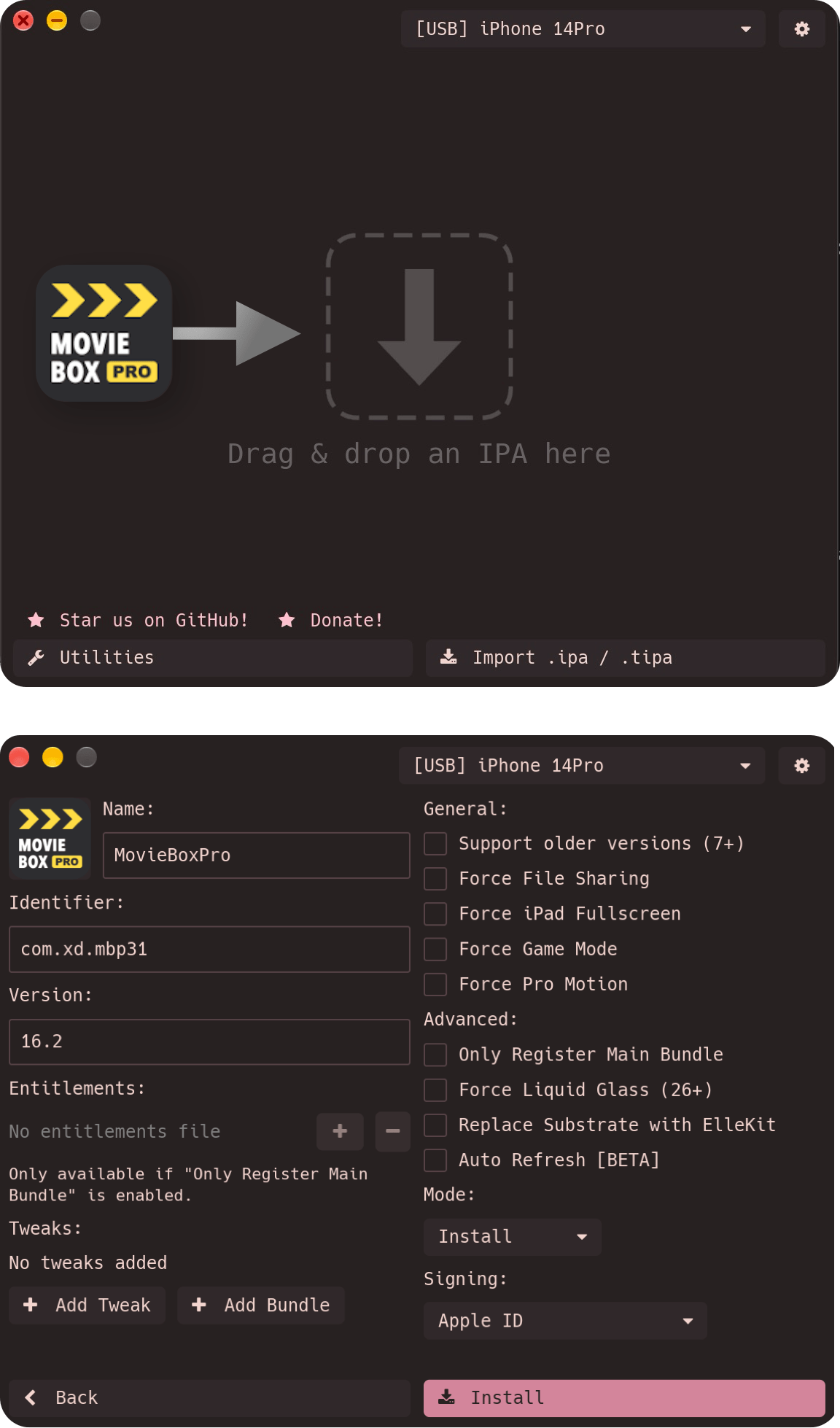
2. Download IPA file https://www.movieboxpro.app/ipa Open Impactor, then drag the file into Impactor. Or click to select the IPA file inside Impactor.
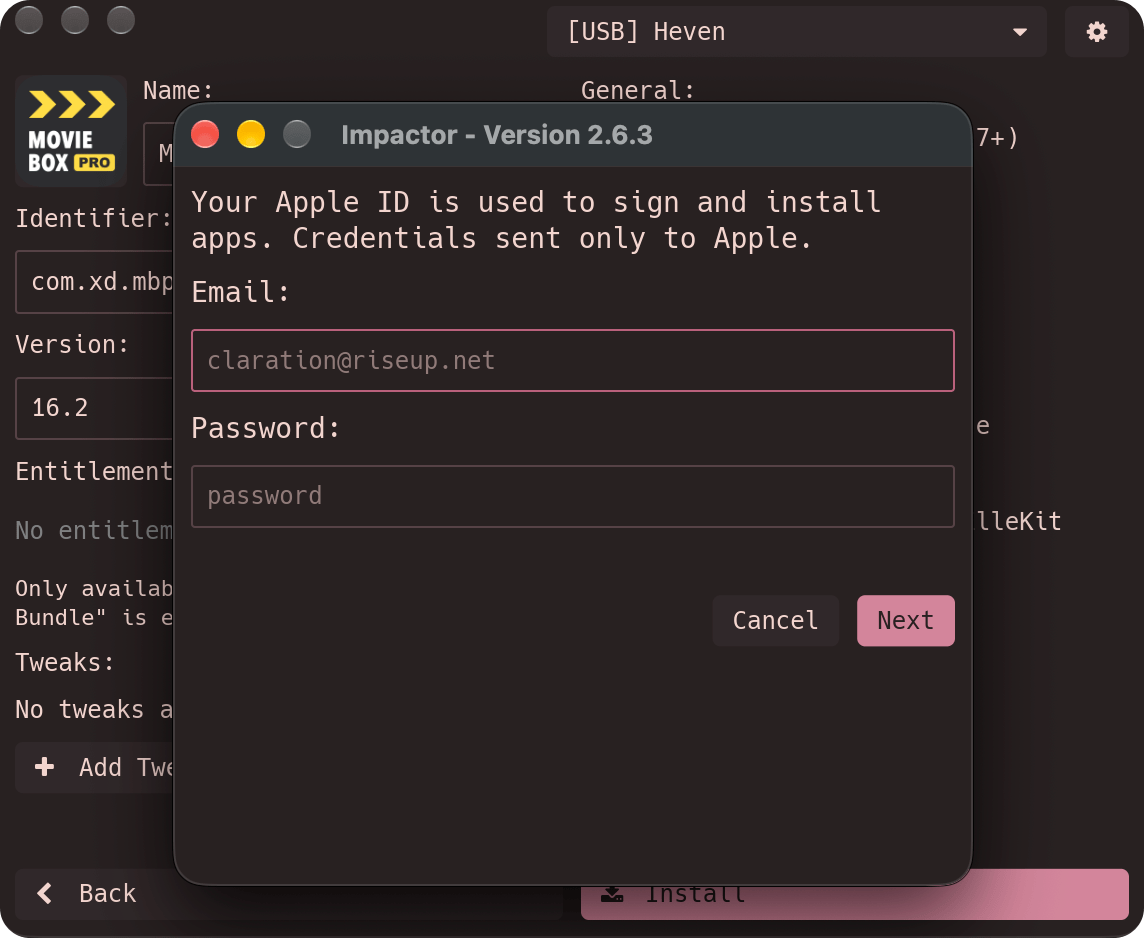
3. Sign in with your Apple ID and the Password. (Only sent to Apple Servers.)
4. Verify it using Apple ID verification code.

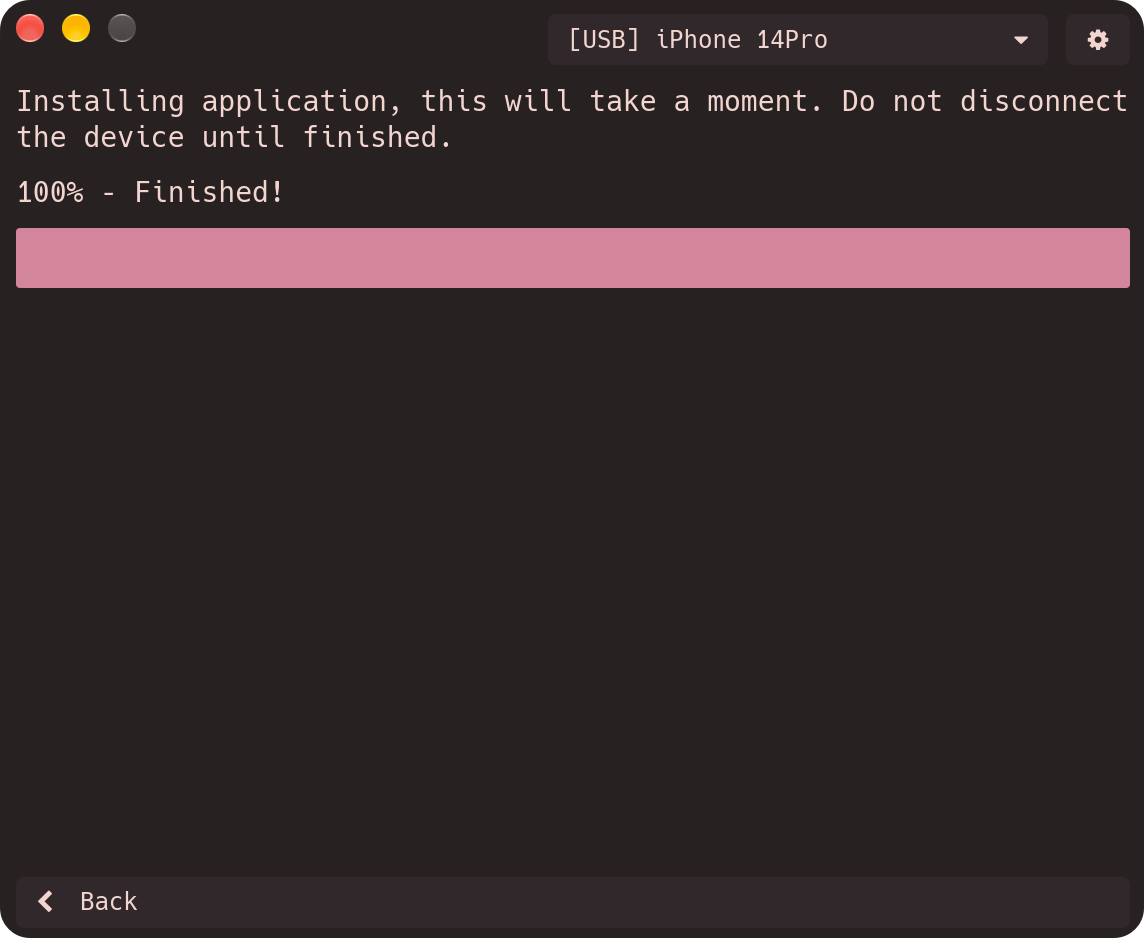
5. Waiting until completing the process of installing IPA.
6. Open your iOS Device, Go to "Settings > General > VPN & Device Management" (on some devices: "Settings > General > Profiles & Device Management"), then trust the developer.
Done!
There are some devices that need to be rebooted to see the icons.
Attention: You need to reinstall every 7 days.
Next time you need to connect your iPhone to your computer, just open Impactor and install again, and you're ready to go.
The steps related to entering your Apple username and password in step 3 do not need to be done again, as they are already saved on your computer.


